Managing friends
Users with access to the Friends application can manage their own friendships from within this section of the administration interface.
Website administrators can manage all users’ friends in the Users application after clicking Edit () next to a selected user and switching to the Friends tab.
In both cases, the system offers tabs as described below.
On the live site, the same functionality can be provided by the web parts described in Friends web parts.
Friends (My friends)
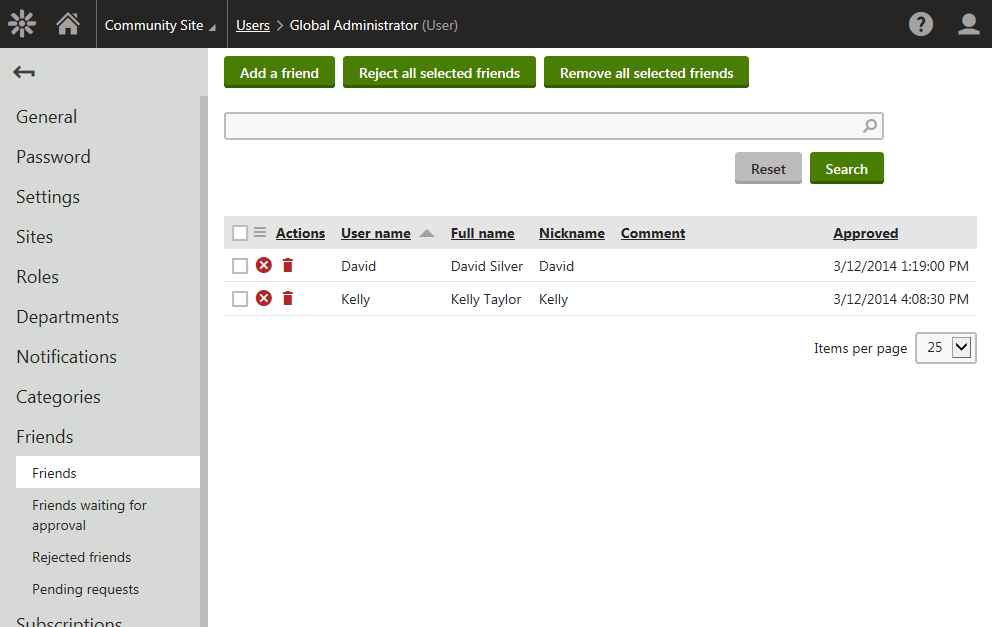
On this tab, you can see a list of all your friends. New friendships can be requested by clicking Add a friend. You can also Remove () or Reject () friends in the list. The difference between the two is that rejected friends can’t request your friendship anymore while they are in the rejected status, while removed friends can request the friendship again. Using the Reject all selected friends and Remove all selected friends actions, you can reject or remove multiple friends at once.
Friends waiting for approval (Friends waiting for my approval)
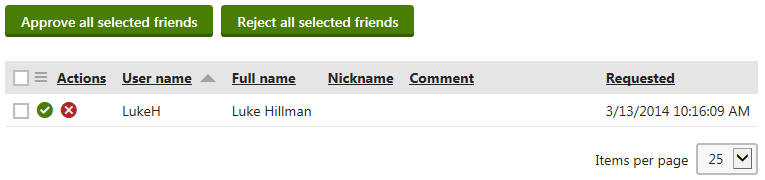
On this tab, you can see a list of all users who requested your friendship. You can either Approve () or Reject () their request. By selecting some of the users and clicking Approve all selected friends or Reject all selected friends, you can approve or reject more requests at once.
Rejected friends
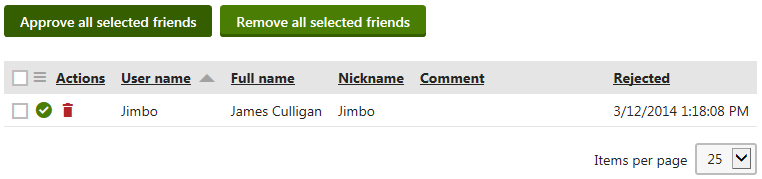
On this tab, you can see a list of all users whose friendship you rejected. Once in the rejected status, the user can’t request your friendship anymore. You can either Approve () some user’s friendship, which makes them your friend, or Remove () the user from the list of the rejected friends, which enables them to request your friendship again. By selecting some of the users and clicking Approve all selected friends or Remove all selected friends, you can approve or remove more users at once.
Pending requests (My pending requests)
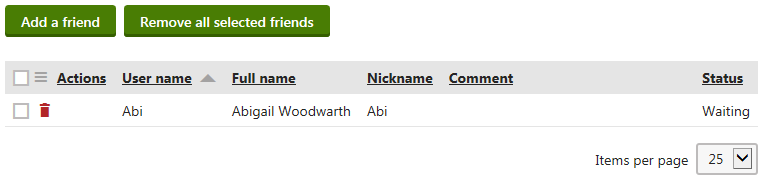
On this tab, you can see a list of users whose friendship you requested. New friendships can be requested using Add a friend. You can cancel a request by clicking Remove () or you can select more users and click Remove all selected friends, which cancels more friendship requests at once.