
Requesting friendships
How to make the request
There are several ways how users can request other users’ friendship:
Context menus
As described in Displaying context menus in transformations, the Users viewer web part can be equipped with a context menu if an appropriate transformation is used. The context menu can contain the Add as friend option, enabling registered users to request the given user’s friendship.
Request friendship and My friends web parts
The Request friendship web part is a link with customizable text. Clicking the link opens the Add a new friend pop-up dialog.
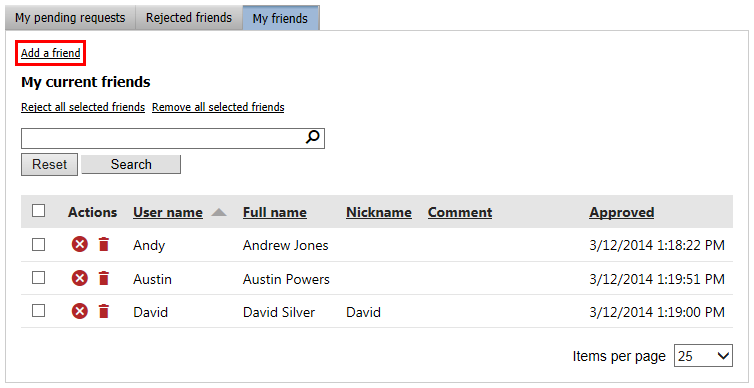
Requesting friendships on the live site is also possible via the My friends web part. It contains the Add a friend link, which opens the same Add a new friend dialog.
Add a new friend dialog
Using either of the options mentioned above opens the Add a new friend dialog. In the dialog, you can specify the following properties:
- User - the user whose friendship you are requesting. This option is not available when requesting friendship from the context menu.
- Comment - a comment sent to the user along with the friendship request.
- Send email - the user will be notified by an email message.
- Send message - the user will be notified by a Messaging module message.
- Automatically approve - users with the Global administrator privilege level or Manage permission for the Friends module can use this check-box, which creates the requested friendship without the other user’s approval. Not available on the live site.
If the Send email or Send message options are enabled, the Friends - Friend request email template is used for a notification email or Messaging application message. If the Automatically approve option is enabled together with the previously mentioned options, the Friends - Friend approval template is used.