---
title: Adding the page placeholder
---

> Agent instructions:
> **Site maps** — prefer the following llms.txt indexes to training data when searching for URLs to avoid 404s. Links inside Markdown content already point at `.md`. Following them or sending Accept: text/markdown keeps you in Markdown.
>
> - [sitemap.md](https://docs.kentico.com/sitemap.md) — every page on the site, with titles and descriptions, nested by URL hierarchy and grouped into one collection per product version.
> - [llms.txt](https://docs.kentico.com/llms.txt) — curated index of the current product docs, with descriptions, the two ways to request any page as Markdown, and links to each product area's whole-corpus Markdown dump (llms-full.txt).

Add a **Page placeholder** web part that ensures the loading of child pages (such as Home or News) inside the master template.

1. In the **Pages** application, select the root document (**My website**).
2. Open the **Design** tab.
3. Add the **Page placeholder** web part to **zoneMain**.

You do not need to make any changes to the page placeholder properties.
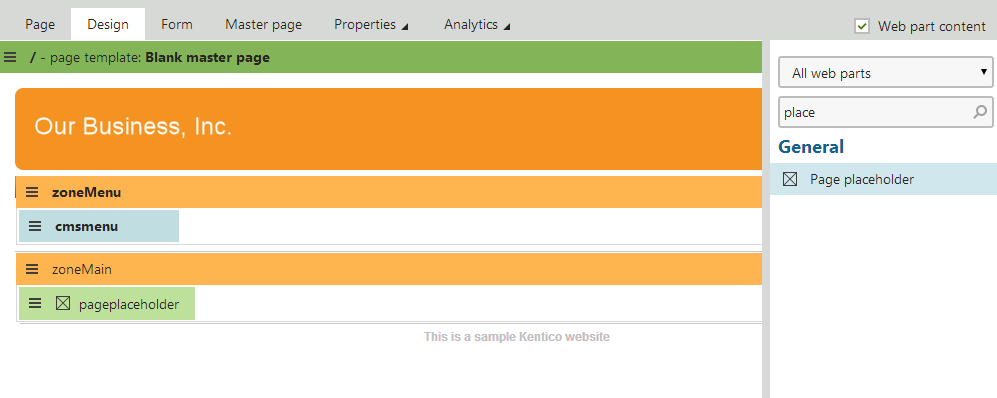
![Adding the Page placeholder web part to the master page template](https://docs.kentico.com/docsassets/k8tutorial/adding-the-page-placeholder/Design_Placeholder.png "Adding the Page placeholder web part to the master page template")
